666H Forgot Password – How to Recover Your Account
The 666H Forgot Password guide can help users understand the usual steps for recovering account access. Sometimes, people forget their login details or enter the wrong password. In other cases, they may not receive a verification code on their registered mobile number.
Before trying different methods, make sure you are visiting the correct 666H website. Follow the official recovery instructions and never share your private account information with unknown people.
How to Reset Your 666H Password
If the 666H platform provides a password recovery option, follow these general steps to reset your password safely.
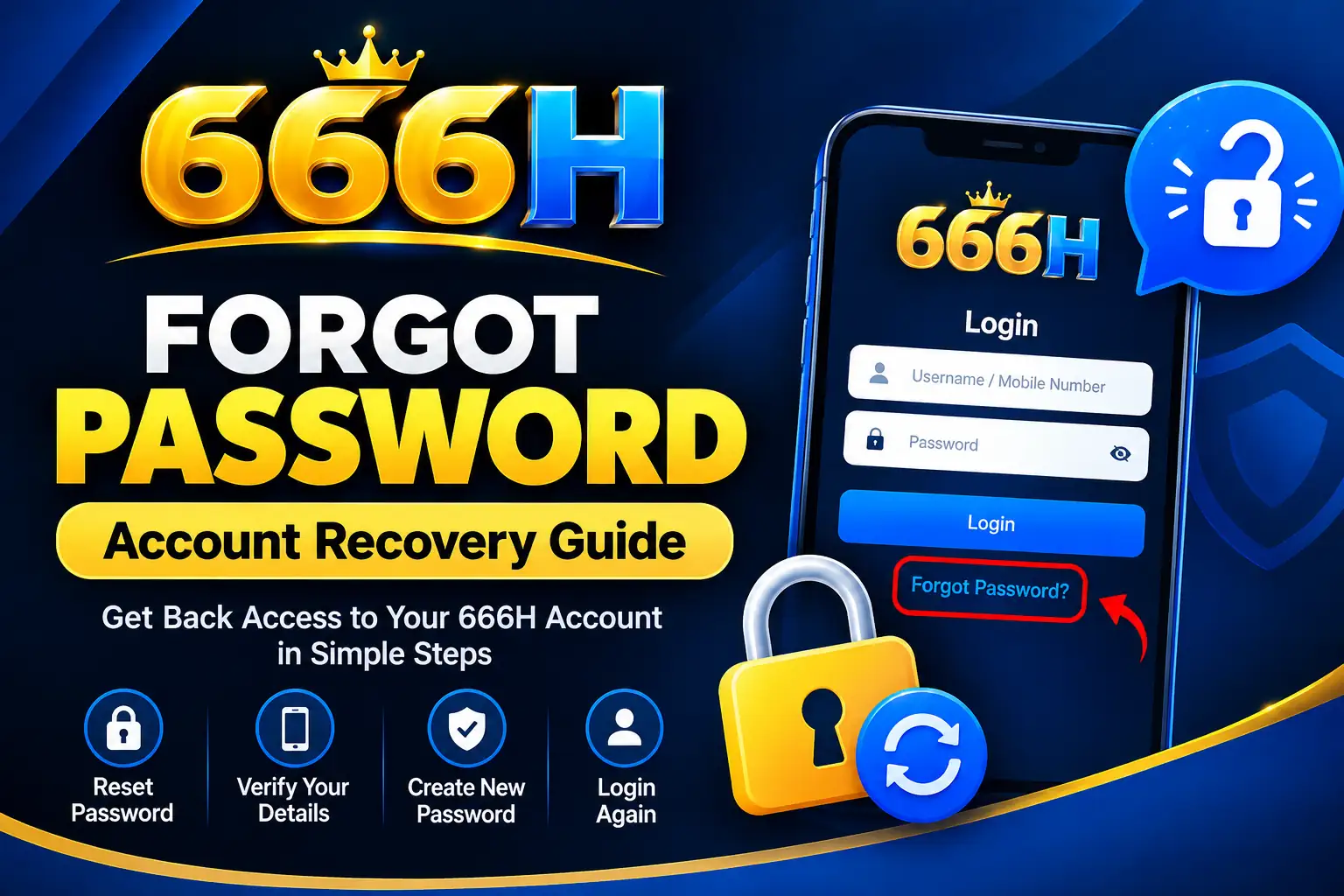
- Open the Website: Visit the verified 666H website you normally use.
- Go to Login: Open the login page and look for the password recovery option.
- Click Forgot Password: Select this option if it appears on the screen.
- Enter Your Details: Provide the registered mobile number or other requested account information.
- Verify Your Account: Follow the official instructions to complete the verification process.
- Create a New Password: Choose a strong password that is difficult for others to guess.
- Log In Again: Return to the login page and try signing in with your new password.
Common 666H Password Recovery Problems
Users may experience different problems while resetting their passwords. Understanding the cause can help them choose the right solution.
- Incorrect mobile number: Check whether you entered the number linked to your account.
- OTP not received: Check your network connection and wait briefly before requesting another code.
- Reset option missing: Confirm that you are using the correct website and check its available help information.
- New password rejected: Follow the password requirements displayed on the screen.
- Account temporarily locked: Wait if instructed, or contact verified support for assistance.
What If You Cannot Reset Your Password?
If the 666H password recovery process does not work, check that your registered details are correct. Make sure your phone can receive verification messages and check your network connection. If you no longer have access to your registered number, contact the platform through its verified support channel.
Avoid repeatedly submitting incorrect details, as some platforms temporarily restrict login attempts. Never share your password or OTP with anyone claiming they can recover your account for you.
Safety Tips for 666H Account Recovery
Keeping your account information private is important when recovering a forgotten password. Create a unique password and avoid using personal information that others can easily guess. Never share your password, PIN, or one-time verification code with anyone.
Do not trust unknown messages that promise instant account recovery. Avoid clicking suspicious links or paying unfamiliar people to unlock your account. If you suspect someone has accessed your account, use the official recovery process and seek help from verified support.
Conclusion
The 666H Forgot Password process can help users understand how to recover access when an official reset option is available. Check your registered details, complete the required verification, and create a strong new password. If recovery fails, contact verified support instead of sharing private information with strangers. These simple precautions can help you protect your account and handle login problems more safely.